✦ With KreaViral
KreaViral
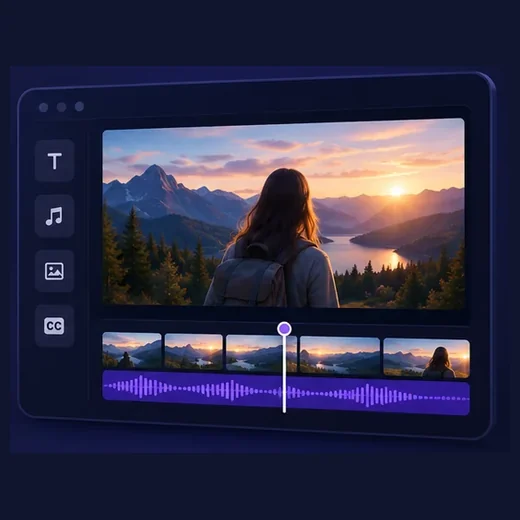
From script to publication, create videos in one workspace. Spend less time switching tools and more time on your ideas.
From idea to screen
Bring your ideas to life with KreaViral.
Create my first video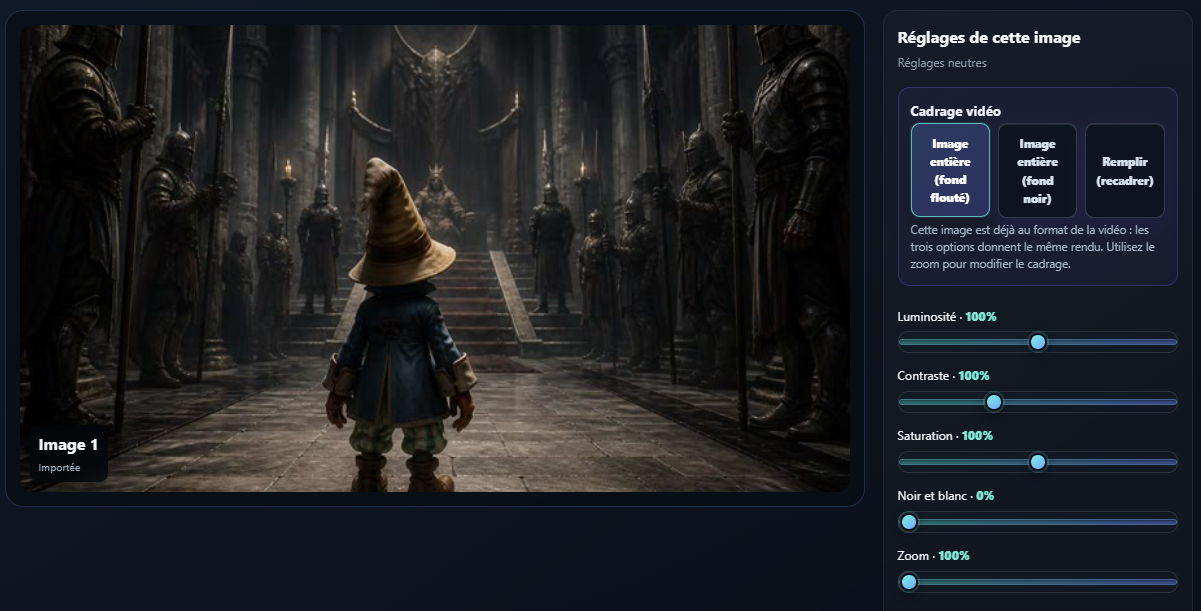
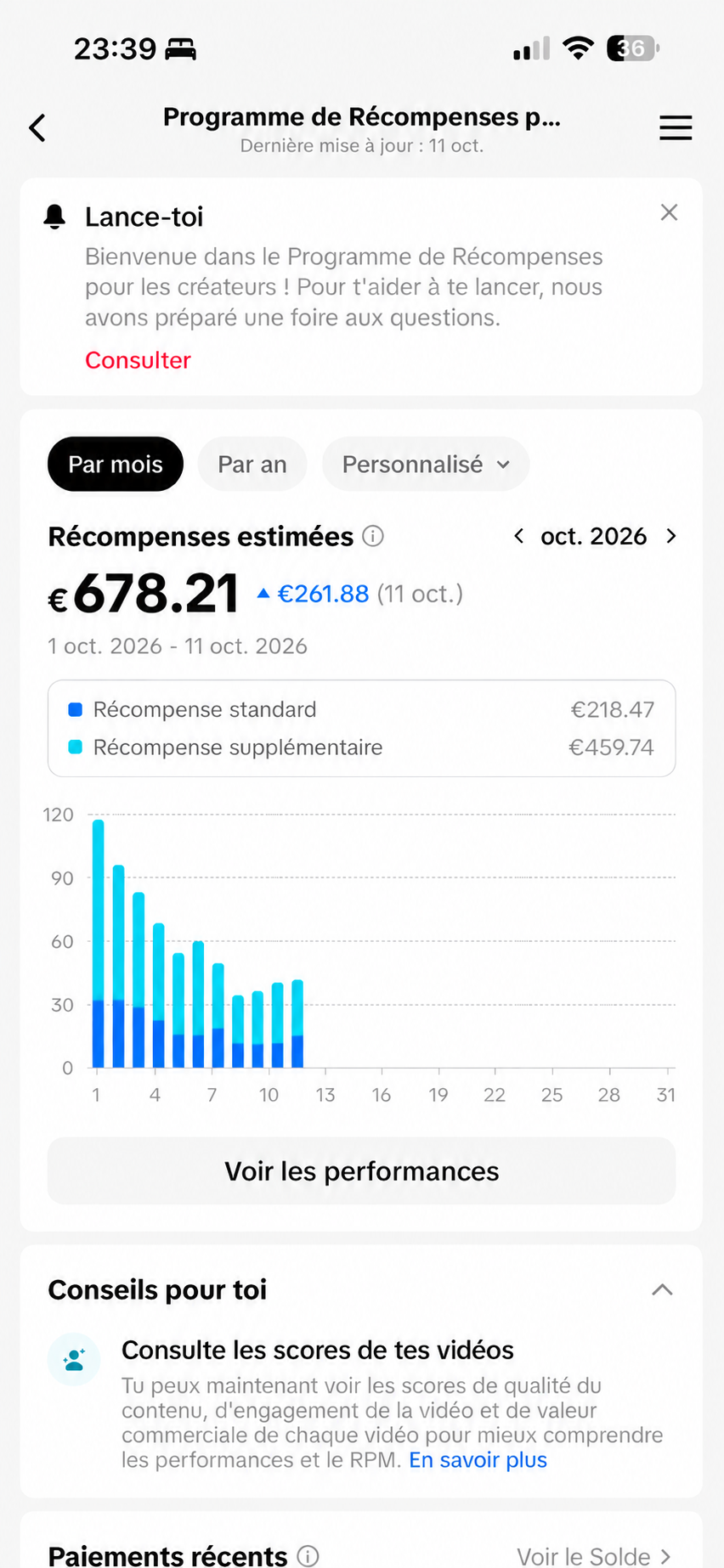
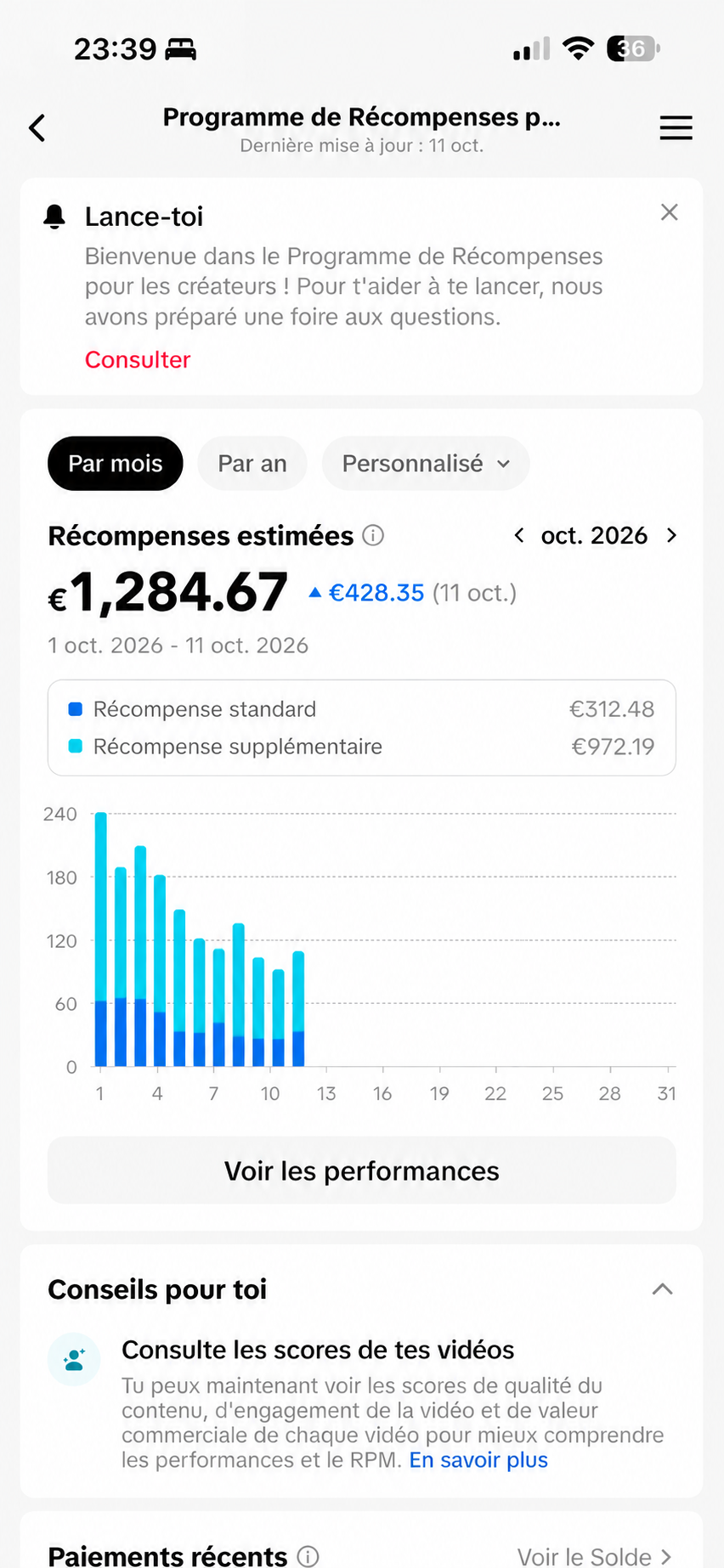
Get advice on getting started and creating your first videos. Lia, our AI agent, guides you and connects you with our team when needed.
How do I launch my account?
Choose a topic, create your first video, then keep testing regularly.
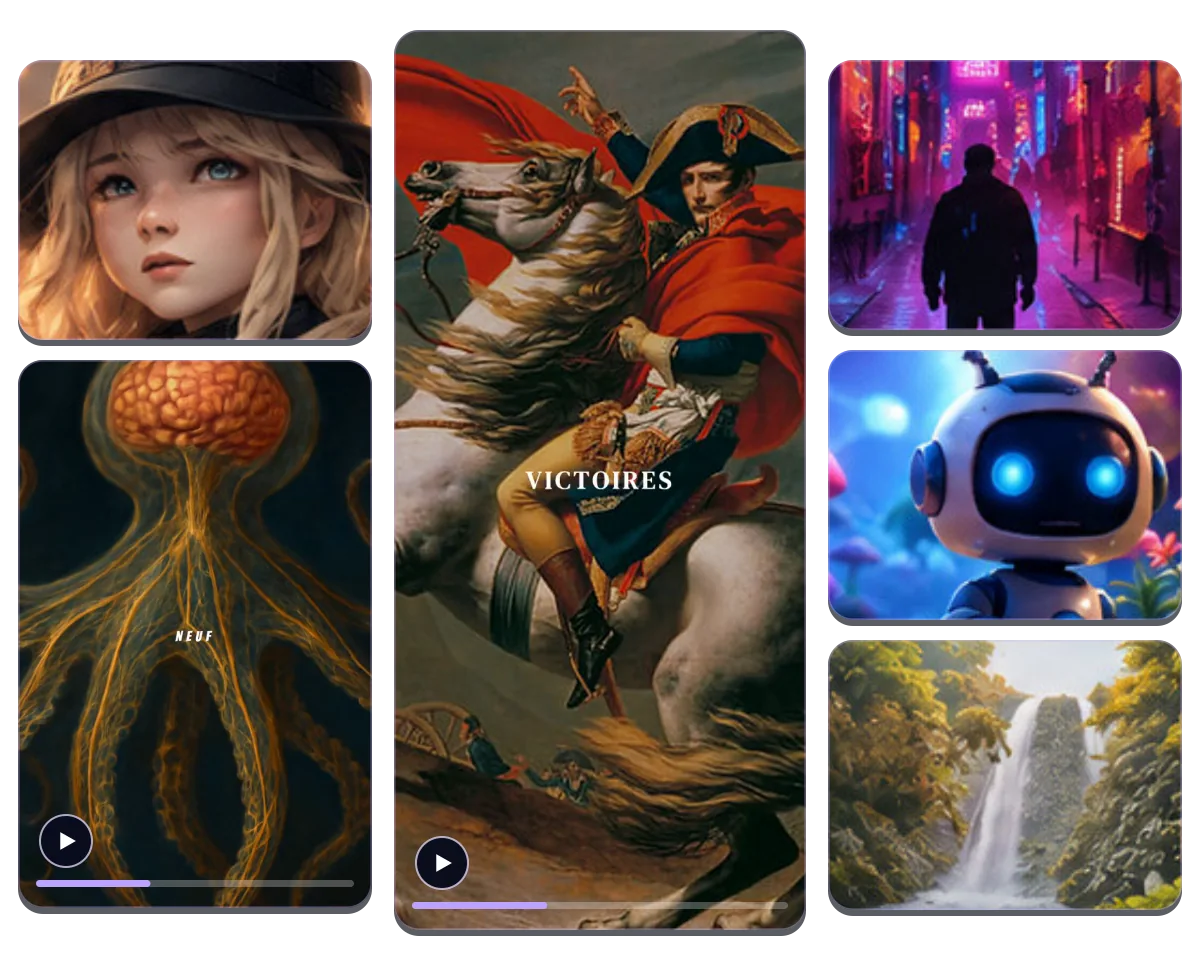
Five ways to turn your content into videos ready to publish.
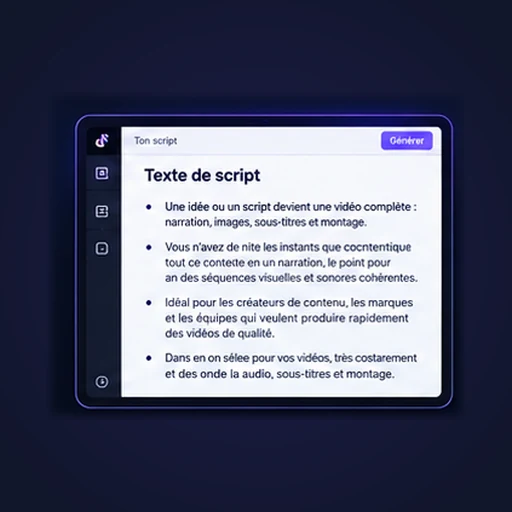
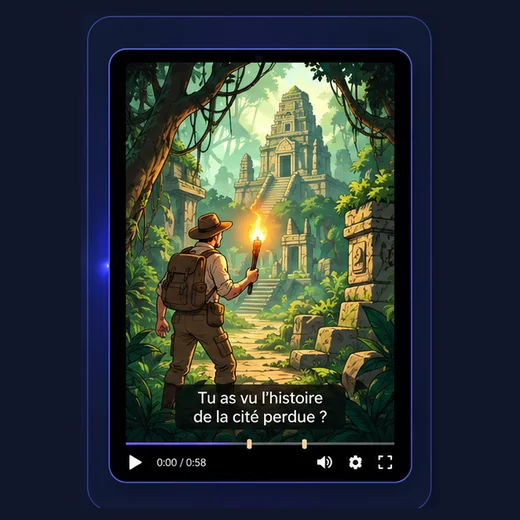
Turn an idea or script into a complete video with narration, images, captions and editing.
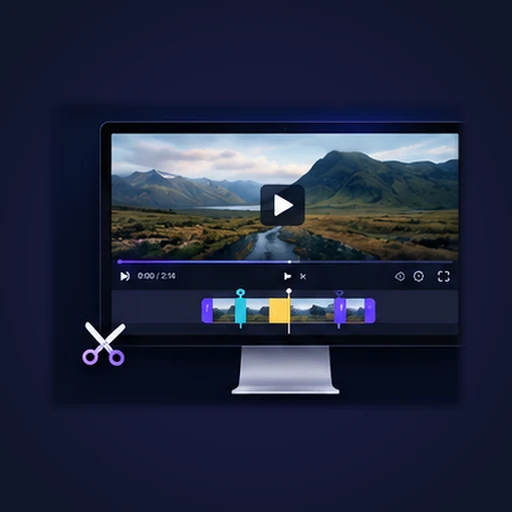
Explore this formatUpload a long video or paste a link: find the best moments and create several shorts.
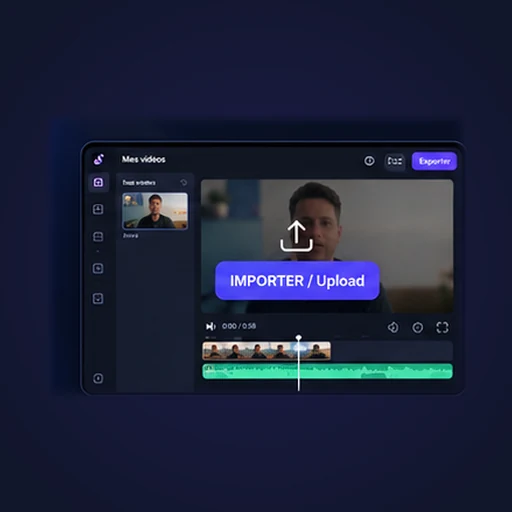
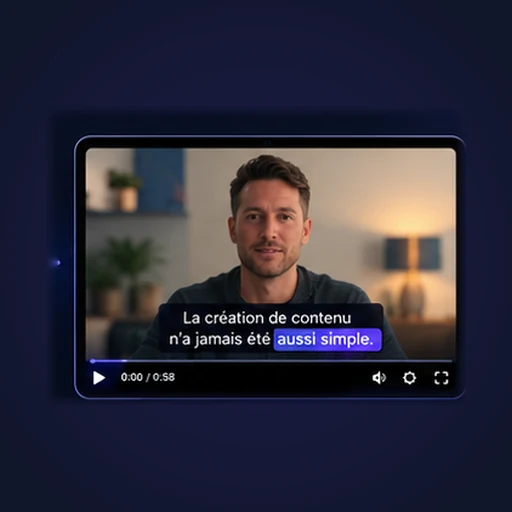
Explore this formatUpload an existing video and add animated captions synced to speech.
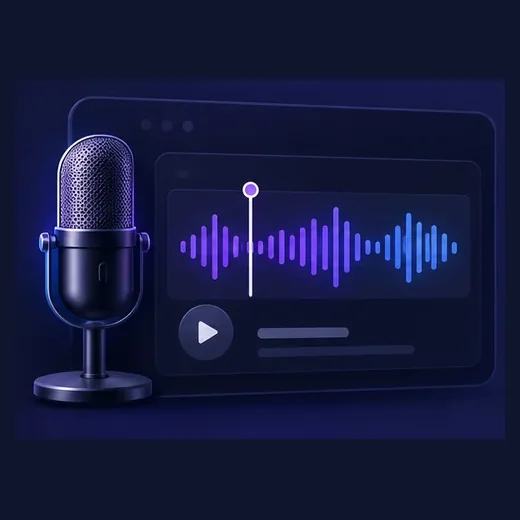
Explore this formatTurn a voice recording or podcast into an illustrated video with automatic subtitles.
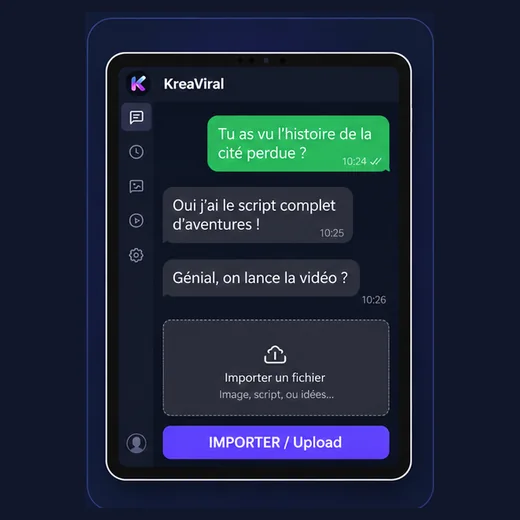
Explore this formatTurn text messages or chats into video stories with scenes, characters and photos.
Explore this format“Le gros avantage pour moi, c’est le gain de temps. Je pars d’une idée et j’obtiens une vidéo exploitable beaucoup plus vite”
Verified customer review“Très simple à prendre en main. J’ai réussi à créer plusieurs vidéos sans passer par trois logiciels différents.”
Verified customer review“J’utilise KreaViral pour plusieurs niches et ça me permet de centraliser toute ma production.”
Verified customer reviewKreaViral is an AI-assisted video creation platform. Start from an idea or your own script, then choose the visuals, voice, captions and final look before generating your video.
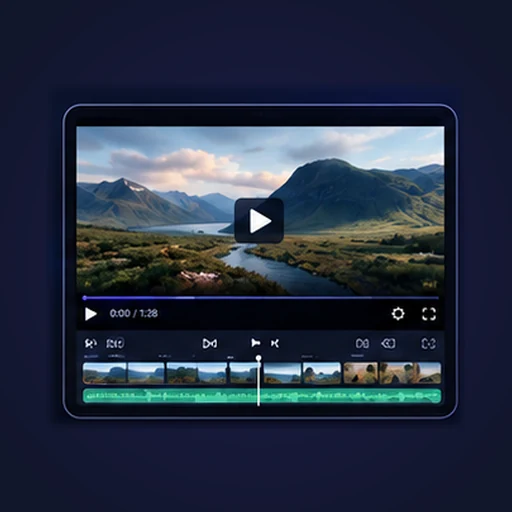
Script, images, voice, captions, editing and publishing stay in one workflow. You avoid moving files between multiple services and keep your settings in one place.
No. You can provide your own script or ask KreaViral to help prepare one. If your script is already ready and you request no changes, it is kept as-is.
Yes. You can upload your own images, reuse items from your library and add AI-generated images. You can also change their order before the final render.
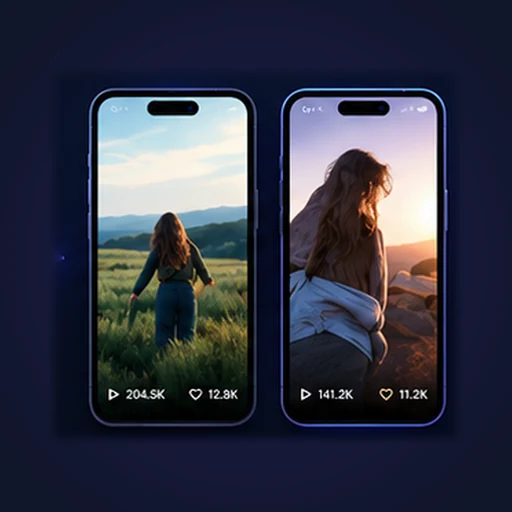
TikTok, Shorts, Reels, YouTube videos, educational content, storytelling, product showcases, affiliate content and niche content. Both 9:16 and 16:9 formats are available for different platforms.
Each subscription includes a number of videos per month. Your quota renews monthly, including with yearly billing. Unused videos do not roll over to the next month.
Yes. From your settings, you can turn off automatic renewal. Your subscription remains active until the end of the period already paid.
TikTok connection and publishing are integrated into the KreaViral workflow. Some publishing features remain marked BETA while they are still being validated.
The workflow guides you through every step.